
The most frequently asked questions regarding the dictionary app
An app for learning the German language and for training language comprehension is constantly being developed further – this is not different with the dictionary app by Netzverb. Thanks to valuable feedback from the community, the app has been continuously expanded and improved in terms of functionality and usability. Nevertheless, users still have questions concerning the language learning app, of which the most frequent are answered below.
Yes, the inflection tables include cases (nominative, genitive, dative, accusative) and numbers (plural, singular).
Yes, gender forms (feminine, masculine, neuter) and comparison forms (positive, comparative, superlative) are included in the inflection tables.
Yes, the app can synchronize data such as collections or the recently viewed words with other devices. For this, a sign-in via Google, Apple, or optionally with an email address is required to authenticate the devices securely. By default, the first device on which a sign-in has occurred is automatically synchronized. Any additional device can be explicitly added to the user profile settings.
- Opening the user profile in the app
- Sign in via Google, Apple, or register and sign in for free with an email address
- Check if the current device is already being synchronized or not
- Start synchronization via button
In the free version, only one device can be synchronized at a time. This is always useful when switching from an old to a new device or when the app has been reinstalled. For this, the synchronization with the old device can simply be ended and started with the new device.
- End synchronization with the old device via button
- Include new device in synchronization
In the paid versions PRO and PRO OFFLINE, an unlimited number of devices can be synchronized
Yes, there are games in the Android version of the app designed to train grammar and track your learning progress.
Yes, grammar information is available for each word.
Yes, the app stores the history of your recently viewed words.
Yes, the app allows offline searching for all words in the A1 vocabulary. The paid version provides access to all information offline with no limitations and is also ad-free.
Yes, the app can display words in various forms and translations. It’s also possible to search by forms and translations.
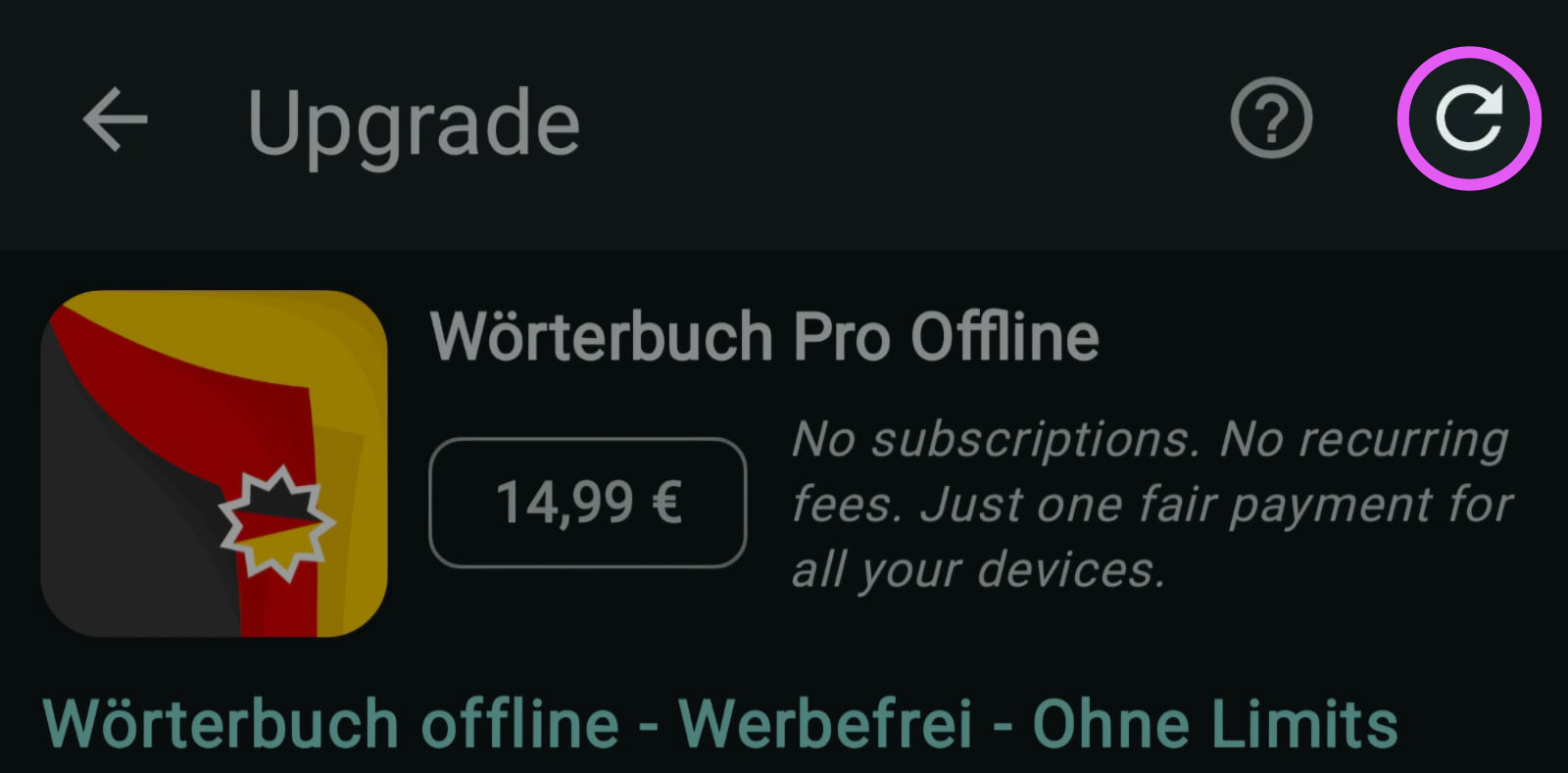
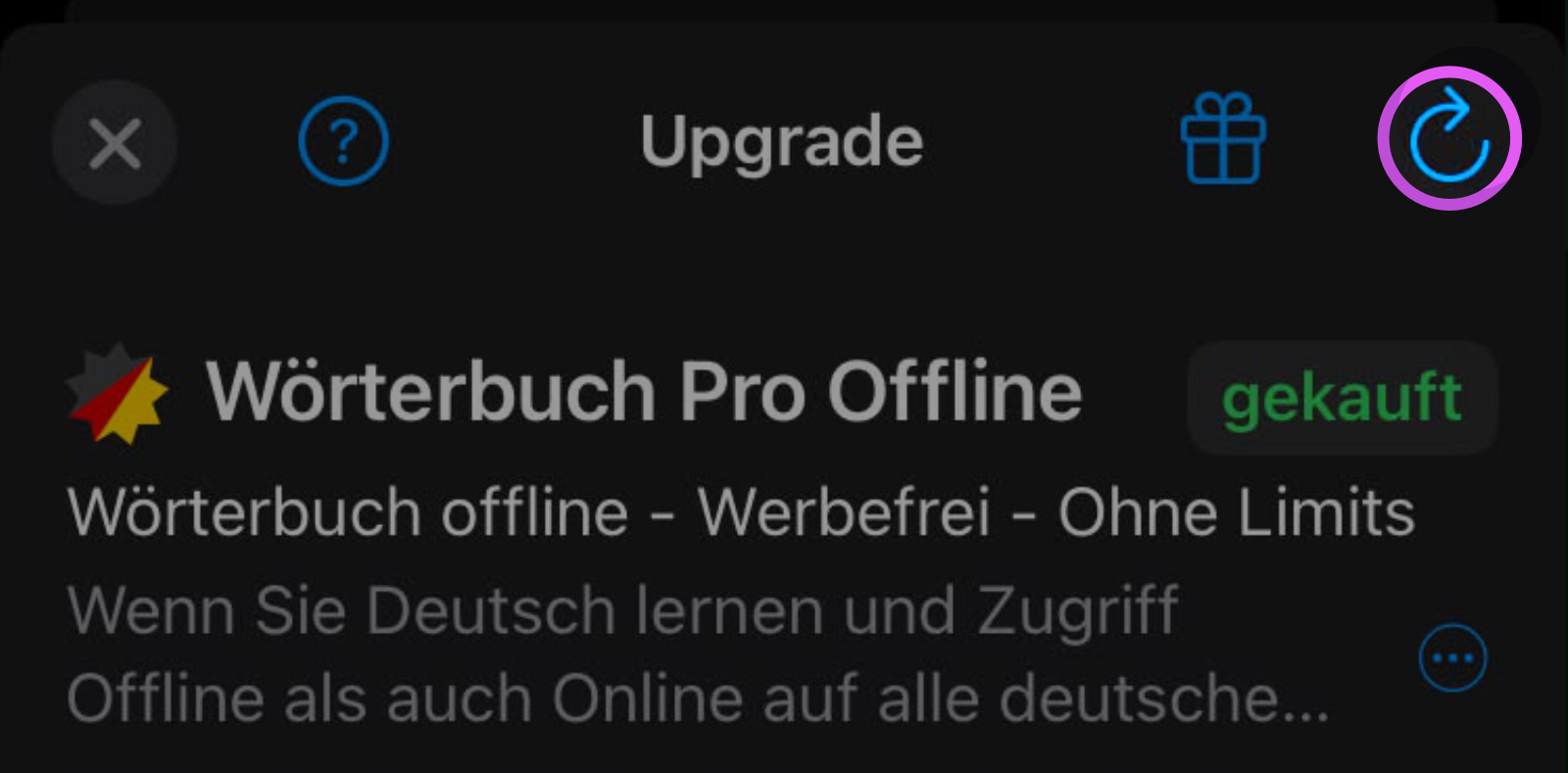
Once purchased, the PRO and PRO OFFLINE versions can be used unlimitedly and on as many devices as desired. When switching to a new device or using multiple devices simultaneously, the purchase must be updated. To do this, the respective version of the app must be installed from the App Store. Within the app itself, previous in-app purchases can be restored via the purchase screen.
Android
- Install the app: https://play.google.com/store/apps/details?id=de.verbformen.app
- Open the purchase screen and start the update
iOS
- Install the app: https://apps.apple.com/app/id1638334347
- Open the purchase screen and start the update
Yes, the app contains grouped descriptions of meanings as well as thesaurus information with synonyms and antonyms.
Yes, the app includes both regular and irregular words.
All words are grouped into vocabulary levels A2, B1, B2, C1, C2+.
Yes, the app offers voice output of forms at normal and slow speeds.
Yes, the app offers both a night mode and a day mode.
The words can be grouped into several collections to make them easier to organise.
The app contains over 160,000 German words of all word types. It includes verbs, nouns, adjectives, articles, pronouns, and adverbs.
Yes, the view of words in the search list can be configured through settings. Information can be displayed in full or shortened (only one line each) or hidden. The shortened display is the default setting.
The app offers a variety of features, including an extensive word search, inflection tables, translations, synonyms, meanings, grammar information, example sentences, voice output, and more.
The app supports modes such as indicative, subjunctive, and imperative.
The app provides translations into numerous languages: English, Russian, Ukrainian, French, Turkish, Arabic, Persian, Spanish, Portuguese, Polish, Romanian, Italian, Serbian, Croatian, Bulgarian, Hungarian, Bosnian, Japanese, Greek, Czech, Slovak, Macedonian, Hebrew, Slovenian, Dutch, Norwegian, Catalan, Belarusian, Swedish, Danish, Finnish, Basque, Urdu.
The tenses present, preterite, perfect, pluperfect, and future are covered in the inflection tables.